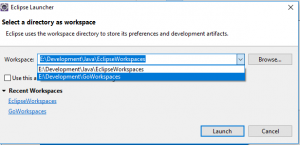
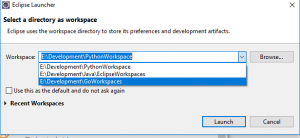
How to delete Workspace from Eclipse Launcher Selection
December 3, 2017
- Launch Eclipse
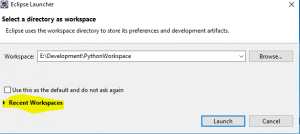
- Click on Recent Workspaces
- Eclipse will list all previously used workspaces
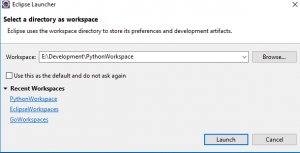
- Right click on the workspace name that you want to remove
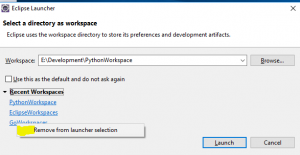
- Click on Remove from Launcher Selection text. This will remove the workspace from the drop-down list